
Poly Helper
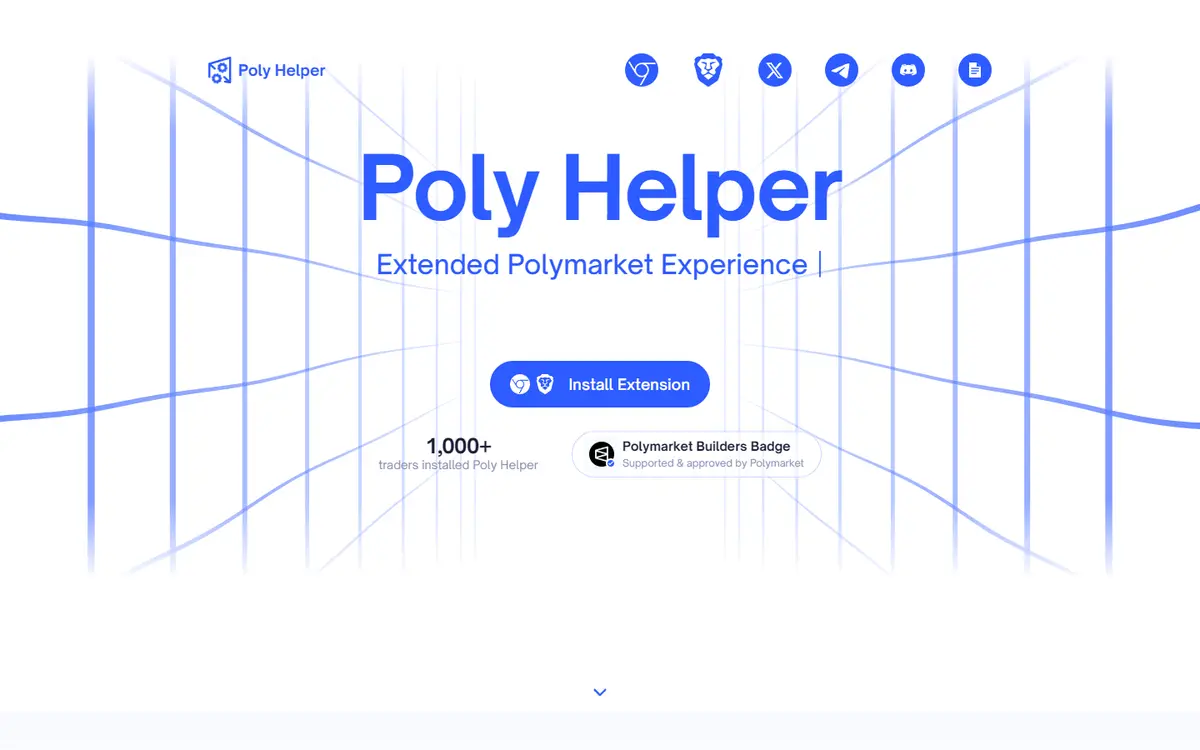
Read-only Chromium extension adding research panels to Polymarket pages
PolyHelper adds contextual research panels directly to Polymarket market pages. Its FAQ explicitly says it cannot access wallet keys or place, modify or cancel orders. Data refresh schedules vary by panel, and support is currently limited to Chromium browsers.[1][3]
Written by Vultax from the product's own pages, last checked .
- Category
- Data and APIs
- Pricing
- Free option
- Works with
- Polymarket
- Runs on
- Chrome, Brave, Edge
- First recorded
- 30 Oct 2026
- Last checked
- 6 Nov 2026
Details
- Tags
- Context panels, Read-only extension
- Runs on
- Chrome, Brave, Edge, Opera
Timeline
6 November 2026
Website answered
6 November 2026
Screenshot taken
30 October 2026
Website first checked by Vultax
Quick answers
- What does it cost?
- The FAQ says the extension is free to install and use; numerical usage limits are not stated there. Separate trading venue charges are outside this read-only extension.[1][3]
- Does it trade for me?
- No: the FAQ explicitly says it cannot place, modify or cancel orders. It is a read-only research extension.[1][3]
- Where do my funds sit?
- The FAQ says it cannot access wallets, keys, seed phrases or financial information. It does not hold trading funds in the documented research flow.[1][3]
Overview
- Access and delivery
- The FAQ names Chrome, Brave, Edge and Opera and directs users to the Chrome Web Store.[3]
- Main workflow
- Add contextual data and analytics panels inside the existing Polymarket interface.[2]
- Coverage and limits
- Panels span crypto, sports, news and other contexts. Browser support and the extension’s permissions should be checked separately from the availability of a panel.[3]
What it offers
How it works
- Trading mode
- Mode:
- Explicitly read-only; cannot place, modify or cancel orders.
- Data freshness
- Crypto (seconds):
- 30
- Sports (seconds):
- 60
- News (minutes):
- 2, 5
- Poll (hours):
- 6, 12
- Economic data:
- Daily; provider schedules, not measured delay.
- Delivery channels
- Browser extension
Pricing and fees
- Free-tier limits
- Install use usd:
- 0
- Numerical usage limit:
- Not stated in FAQ.
- Other fees
- Software:
- Free to install/use as stated.
- Trading fee
- Not offered, according to the provider. Provider explicitly says extension cannot execute trades.
As published on 6 November 2026.
Getting started
Install the official Chrome Web Store extension in a supported Chromium browser.
Enable it and open a specific Polymarket market page.
Use relevant panels and verify critical inputs against their primary sources.
- What you need first
- Requirements:
- Supported Chromium browser; market-specific pages; no signer required for research.
Safety and terms
Sources
Download profile JSON. Vultax keeps a dated copy of every page behind it. Request a review.
Alternatives
Listings that share its category or the jobs it does.
How the directory is made · Manage a profile · Directory CSV (CC BY 4.0).