PolyGun
Telegram Polymarket orders, portfolio tools and configurable confirmation modes
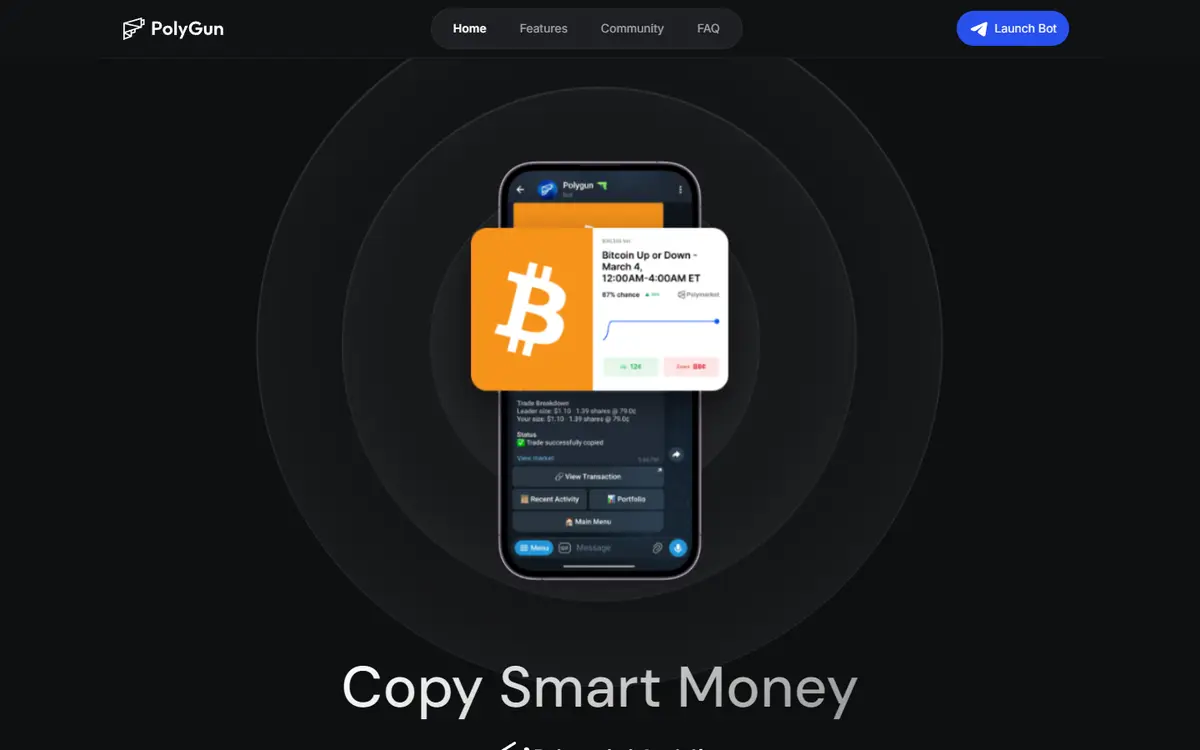
PolyGun provides Polymarket market and limit orders inside Telegram. It creates a wallet whose key can be exported and offers different confirmation thresholds. Fees use a probability-dependent curve in addition to venue charges, but the reviewed documentation gives no complete numerical curve.[2][4][5]
Written by Vultax from the product's own pages, last checked .
- Category
- Copy trading
- Pricing
- Paid or fee-based
- Works with
- Polymarket
- Runs on
- Telegram
- Website registered
- 24 Nov 2025
- Last checked
- 6 Nov 2026
Details
- Tags
- Order types, Confirmation modes, Portfolio
- First recorded
- 30 October 2026
Timeline
6 November 2026
Website answered
6 November 2026
Screenshot taken
30 October 2026
Website first checked by Vultax
24 November 2025
Website domain registered
Quick answers
- What does it cost?
- Dynamic provider trading fees apply in addition to Polymarket fees; a complete numerical curve is not stated in the reviewed docs.[4][5]
- Does it trade for me?
- It places market and limit orders. Confirmation depends on the selected mode, and Expert mode can send without a prompt.[4]
- Where do my funds sit?
- The bot creates a wallet with an exportable key. The docs call it non-custodial but do not fully establish retained signing authority.[4]
- What do I need to start?
- Use the official Telegram bot and its wallet/funding flow; do not send external market-share tokens.[4]
- Where is it available?
- The documented interface is Telegram; the reviewed pages give no complete geographic or KYC list.[4]
Overview
What it offers
How it works
- Trading mode
- Mode:
- Telegram order execution; Standard asks confirmation above a configurable threshold, Expert can execute without confirmation.
- Data freshness
- Portfolio:
- PnL refreshes on refresh or completed trades; not an independent live-data measurement.
- Delivery channels
- Telegram
Pricing and fees
provider: Probability-dependent dynamic fee curve; numerical rates not stated in reviewed pages.; venue: Underlying Polymarket fees additional.[2][4][5]
- Trading fee
- Provider:
- Probability-dependent dynamic fee curve; numerical rates not stated in reviewed pages.
- Venue:
- Underlying Polymarket fees additional.
As published on 6 November 2026.
Getting started
- What you need first
- Requirements:
- Telegram, bot wallet and supported USDC deposit; external market-share deposits not supported.
Safety and terms
- Wallet model
- The product FAQ says the trading wallet can be exported and the bot executes trades on the user’s behalf. This description does not establish absence of key-handling risk.[1]
- Custody and keys
- What the provider says:
- Wallet created by bot and key exportable; provider calls funds non-custodial.
- Unresolved:
- Key export does not by itself establish who else retains signing authority.
Sources
- 1. polygun.xyz (opens in a new tab)
- 2. polygun.gitbook.io/polygun-docs (opens in a new tab)
- 3. polygun.gitbook.io/polygun-docs/overview/quick-start-guide.md (opens in a new tab)
- 4. polygun.gitbook.io/polygun-docs/overview/faq (opens in a new tab)
- 5. polygun.gitbook.io/polygun-docs/telegram-bot-user-guide/dynamic-fees (opens in a new tab)
Download profile JSON. Vultax keeps a dated copy of every page behind it. Request a review.
Alternatives
Listings that share its category or the jobs it does.
How the directory is made · Manage a profile · Directory CSV (CC BY 4.0).