Synoptic
News streams and a Polymarket trading connection through Privy
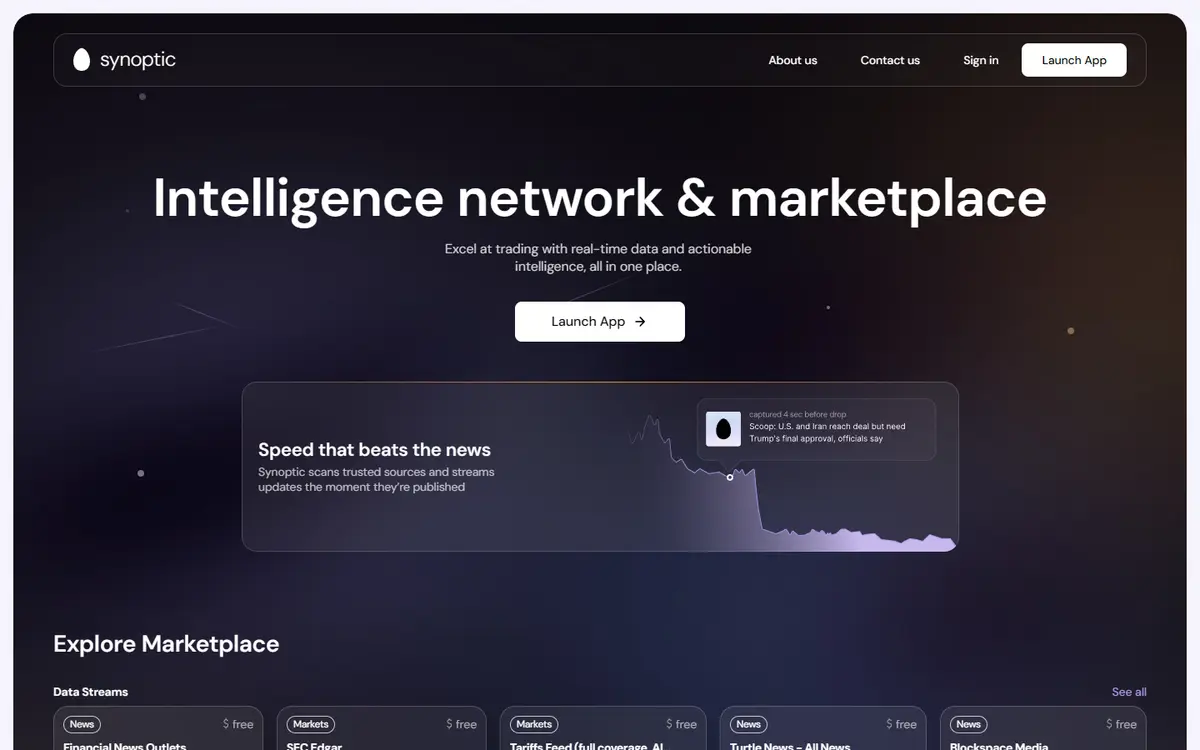
Synoptic combines a marketplace of news and data streams with tools for monitoring and acting on market information. Its Terminal documentation explicitly describes connecting a Polymarket account through a Privy-imported wallet. Browser-side signatures are forwarded through a trading proxy rather than exposing a raw signing key to Synoptic storage, according to those docs. The connection has one-account and one-imported-key limits that matter when switching wallets.[1][5][6]
Written by Vultax from the product's own pages, last checked .
- Category
- Data and APIs
- Pricing
- Not stated
- Works with
- Polymarket
- Runs on
- Web
- Website registered
- 21 Feb 2000
- Last checked
- 7 Nov 2026
Details
- Tags
- News and data streams, Terminal account connection, Browser signing, Credential switching
- First recorded
- 30 October 2026
Timeline
7 November 2026
Website answered
6 November 2026
Screenshot taken
30 October 2026
Website first checked by Vultax
21 February 2000
Website domain registered
Quick answers
- What does it cost?
- The reviewed Polymarket integration pages do not publish a complete trading-fee or subscription schedule.[1][5][6]
- Does it trade for me?
- The Terminal signs and forwards orders you request; these pages do not describe unattended account management.[1][5][6]
- Where do my funds sit?
- The documented key is held as a Privy embedded wallet, while Synoptic’s proxy retains derived trading credentials rather than the raw key.[1][5][6]
What it offers
News and data streams
The public marketplace describes topic-based feeds and tools for selecting and filtering incoming information.[1][5][6]
Terminal account connection
Provider docs describe a Polymarket credential flow tied to the wallet that owns the account.[1][5][6]
Browser signing
The documented integration asks a Privy embedded wallet to create order and authentication signatures in the browser.[1][5][6]
Credential switching
The docs describe removing the current account credential or switching Privy login when another wallet is needed.[1][5][6]
How it works
Pricing and fees
As published on 7 November 2026.
Getting started
Safety and terms
- Custody and keys
- Docs say the key is imported into a Privy embedded wallet controlled through the user’s Privy account. Synoptic stores wallet and funder identifiers; its proxy retains derived CLOB credentials in memory and optionally a browser-bound cookie. The provider says raw private keys do not enter Synoptic storage.[1][5][6]
Sources
- 1. synoptic.com (opens in a new tab)
- 2. synoptic.com/p/streams/01KB5Z06VNDBQS17HWXNDTJ9FD (opens in a new tab)
- 3. media.synoptic.com/service/terms/terms.html (opens in a new tab)
- 4. synoptic.com/about (opens in a new tab)
- 5. docs.synoptic.com/s/integrations/polymarket-credentials.md (opens in a new tab)
- 6. docs.synoptic.com/s/integrations/polymarket-key-privacy.md (opens in a new tab)
Download profile JSON. Vultax keeps a dated copy of every page behind it. Request a review.
Alternatives
Listings that share its category or the jobs it does.
How the directory is made · Manage a profile · Directory CSV (CC BY 4.0).